

Backend & Data
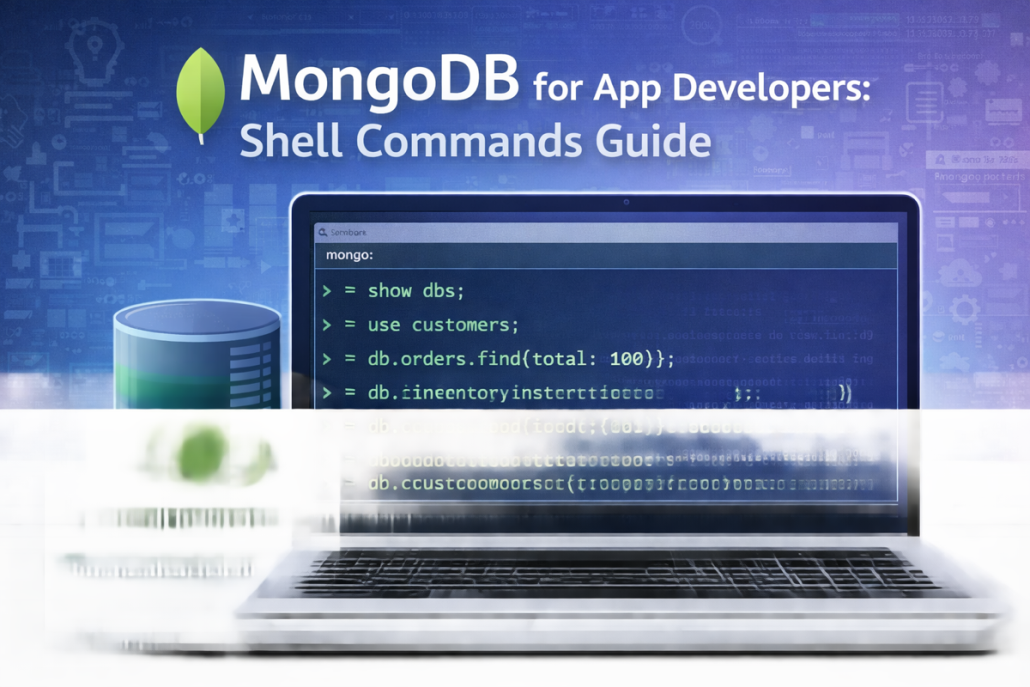
MongoDB for App Developers
From Commands to Scalable App Backends
Today, modern applications are no longer simple systems with fixed
requirements. Mobile apps, web platforms, and SaaS products evolve
constantly. New features are added, user behavior changes, and data
models grow more complex over time. In this environment, backend
technology must support speed, flexibility, and scale. This is where
MongoDB and NoSQL databases play a key role.
MongoDB represents a document-based, NoSQL approach to data
management. Instead of rigid tables and predefined schemas, data is
stored in flexible documents that closely match how applications
actually work. Users, orders, settings, logs, and nested objects can live
together naturally. For developers, this reduces friction between
application code and the database, making systems easier to build,
understand, and maintain.
One of the biggest advantages of MongoDB for app backends is adaptability. In real projects, requirements rarely stay fixed. New f
ields are added, structures evolve, and business logic changes. With
traditional SQL databases, these changes often require schema
migrations, table redesigns, and careful coordination. MongoDB
allows teams to evolve their data model gradually, without blocking
development or slowing down iteration.
Scalability is another critical factor. Modern applications must handle
growth—sometimes predictably, sometimes suddenly. NoSQL
databases like MongoDB are designed to scale horizontally, fitting
naturally into cloud-native architectures and distributed systems. This
makes them well suited for applications that serve global users, handle
high traffic, or rely on micro-services.
The MongoDB shell, highlighted in this guide, reflects a very practical
developer workflow. It allows direct interaction with the database—
inspecting collections, testing queries, and debugging data issues in
real time. This hands-on access is especially valuable during
development, troubleshooting, and performance tuning. It keeps
developers close to their data and speeds up problem-solving.
This does not mean SQL databases are obsolete. Relational databases
remain an excellent choice for systems with strict schemas, complex
transactions, or strong consistency requirements, such as financial or
accounting systems. The real question is not SQL versus NoSQL, but
which tool fits the problem best. For many app-driven products,
MongoDB aligns more naturally with modern development practices.
In conclusion, MongoDB offers a backend foundation that grows with
the application. It supports rapid iteration, flexible data models, and
scalable architectures—all while keeping the developer experience
simple and efficient. For app developers building real products in real
environments, this approach turns the database from a bottleneck into
an enabler.



Core App Foundations
A clean, futuristic visual showing the core building blocks of an app—security, data, cloud, and connectivity—layered on a glowing digital foundation, symbolizing stability and scalability.
Core Web Foundations
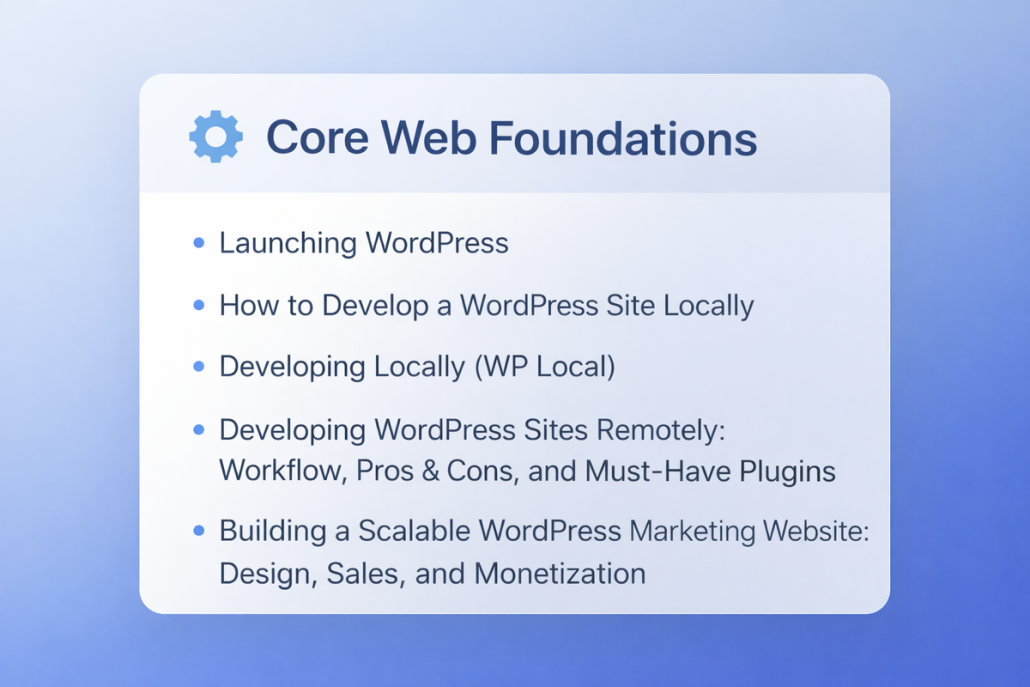
Core Web Foundations covers the essential building blocks needed to
create a solid, reliable WordPress website from the ground up. This
section focuses on how websites are set up, developed, and prepared
for real-world use before any advanced features or growth strategies
are added.
It starts with the basics of launching WordPress and explains how to
build and test a site locally, so changes can be made safely without
affecting a live website. You’ll also learn how local and remote
development workflows work in practice, including their advantages,
limitations, and the must-have tools and plugins that make
development smoother and more predictable.
Beyond setup and workflow, this foundation layer looks at how a
WordPress site can be structured to scale—covering design
considerations, performance, and early decisions that impact sales,
marketing, and monetization later on. The goal is to help you avoid
common mistakes at the beginning and build a website that is stable,
flexible, and ready to grow.
In short, Core Web Foundations is about getting the fundamentals right
—so everything built on top of it works better, faster, and with fewer
surprises.
Building a Scalable WordPress Marketing Website: Design, Sales, and Monetization
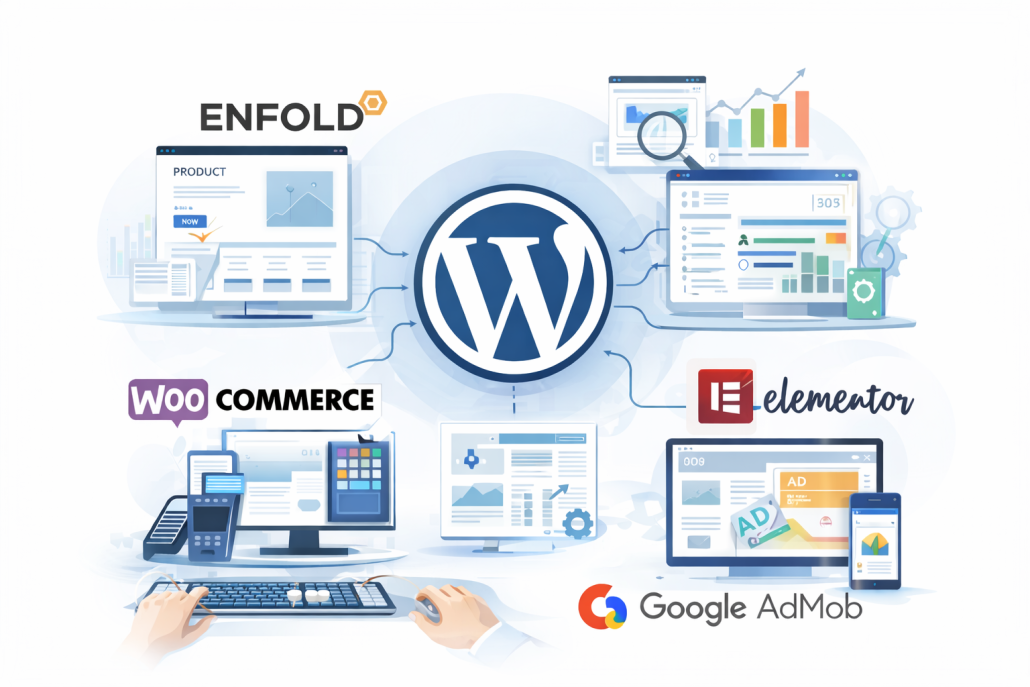
When building a WordPress marketing website, the
goal is usually to keep things simple while still leaving
room for growth, analytics, and monetization. A
popular choice for this kind of setup is Enfold.
Although Enfold is technically a theme, it behaves like
a full framework and is widely used for business and
commercial websites. It offers built-in layout tools,
performance optimizations, and strong compatibility
with analytics and e-commerce features. For many
companies, Enfold makes it easier to present products,
highlight qualifications, and structure content clearly
without relying on dozens of extra plugins.
For payments and online selling, WooCommerce is the
standard solution. It allows businesses to sell products
or services, manage orders, and handle payments
directly inside WordPress. WooCommerce works
smoothly with Enfold and can also be combined with
Elementor to simplify page building. Elementor’s
visual drag-and-drop editor makes designing product
pages, landing pages, and comparison sections much
easier, especially for non-technical teams. Together,
WooCommerce and Elementor reduce development
friction and make ongoing updates faster and more
manageable.
On the monetization side, many websites also rely on
advertising. Google AdSense is commonly used on
content-driven pages to generate passive revenue
through display ads, particularly in blogs and
informational sections. For mobile apps connected to
the same business or brand, Google AdMob serves a
similar purpose by enabling in-app advertising and
monetization. While ads are not always suitable for
purely corporate or product-focused pages, they can be
effective when used carefully in educational or high-
traffic areas.
An important but often overlooked step in this setup is
organizing navigation through the menu system. By
going to Appearance → Menus in WordPress, you
can manually add Posts (such as blog categories or
specific articles) to the main menu structure alongside
Pages like Products or Services. This helps visitors
easily discover content, improves internal linking for
SEO, and creates a clearer user journey between
informational posts and commercial pages. For
marketing websites, adding Posts to the menu ensures
that valuable content supports product pages instead of
being hidden away.
Overall, this combination—Enfold for structure,
WooCommerce for payments, Elementor for ease of
design, AdSense or AdMob for monetization, and a
well-organized menu structure—creates a flexible
WordPress ecosystem. It allows businesses to present
products professionally, guide users through content,
manage commerce efficiently, analyze performance,
and scale their digital presence without
overcomplicating the system.