
How to Fix AI Engine’s “No Credits Remaining” Error in WordPress: Billing and cPanel Logs
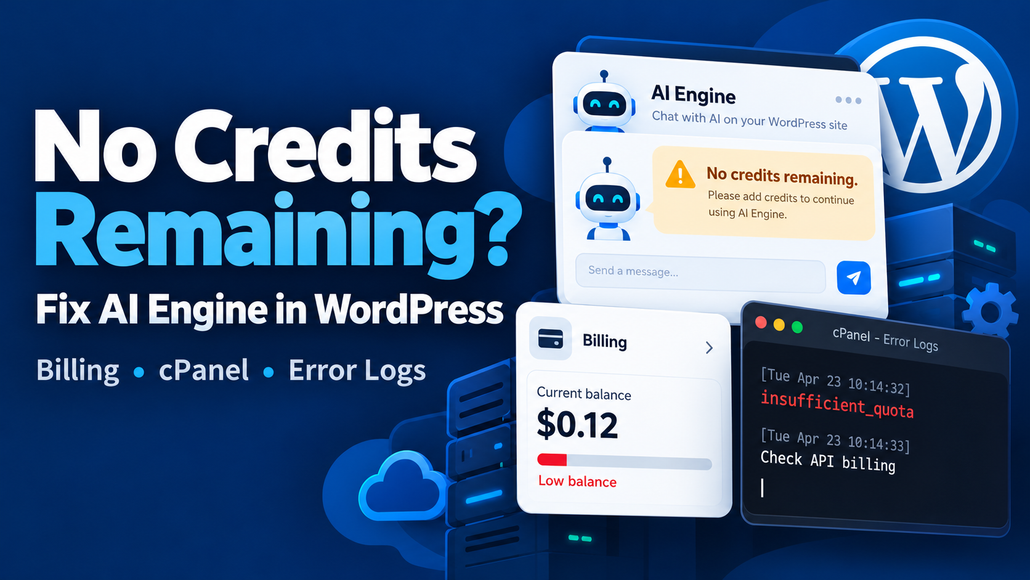
Why Kia AI Assistant says “You have no credits remaining”
Kia AI Assistant uses an external AI service to generate replies. When that service returns an insufficient-credit error, the chatbot cannot answer—even though the WordPress website and AI Engine plugin remain active.
Visitors may see:
“Oops! Something went wrong on the server.”
This message alone does not identify the cause. The underlying error must be checked in the server logs.
Where to check error logs in cPanel
Two places can help:
- cPanel → Metrics → Errors
This displays recent web-server errors. It may not include the PHP error that explains the chatbot failure. - cPanel → File Manager → public_html → error_log
If PHP logging is configured to use this file, open it and check the latest entries forAI Engine,OpenAI, orinsufficient_quota. For a site installed in a subfolder or a separate domain directory, check that site’s document root instead.
A relevant entry may look like:
AI Engine: OpenAI: You have no credits remaining.The log location depends on your hosting configuration. If no error_log file appears, ask your hosting provider where PHP errors are recorded. Do not enable public error display on the live website.
How to restore replies
- Check the AI provider’s billing dashboard for available credit, payment issues, and usage restrictions.
- Confirm that AI Engine uses the API key from the intended organization and project.
- If you replace the key, save the settings and confirm that the chatbot uses the updated connection.
- Open the public website and send a short test message.
- If it still fails, check the newest log entries to identify the current error.
How to avoid unexpected interruptions
Check usage and billing regularly. Enable balance notifications or recharge options where your provider supports them, and configure appropriate usage limits in AI Engine.
The plugin’s usage estimates and “active” status do not confirm your provider’s remaining balance.
Protect your credentials and logs
Never publish API keys, private billing information, or complete server logs. Share only relevant, redacted error messages.
Ensure that log files inside public_html cannot be downloaded through a public URL. Ask your hosting provider to restrict access or store logs outside the public directory. Revoke and replace any exposed API key.