
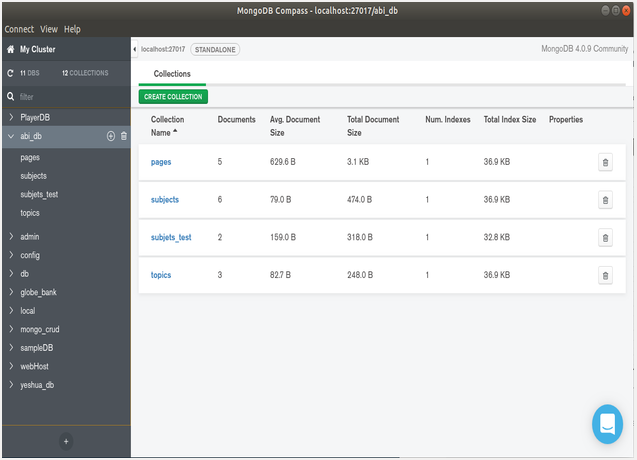
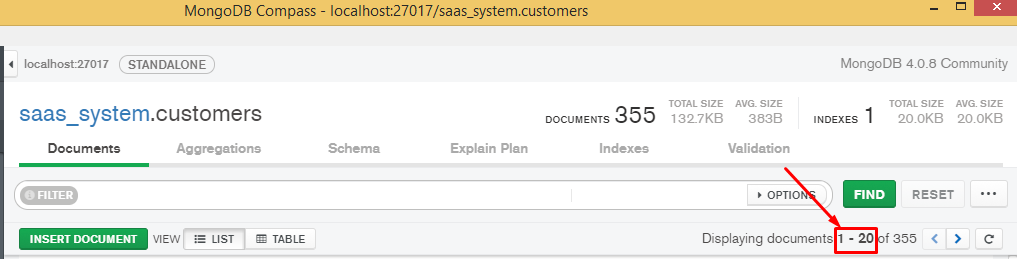
1) This is MongoDB Compass, the visual interface of MongoDB.
Think of it like this:
• mongosh → typing commands
• Compass → clicking + filling fields
Both talk to the same database.
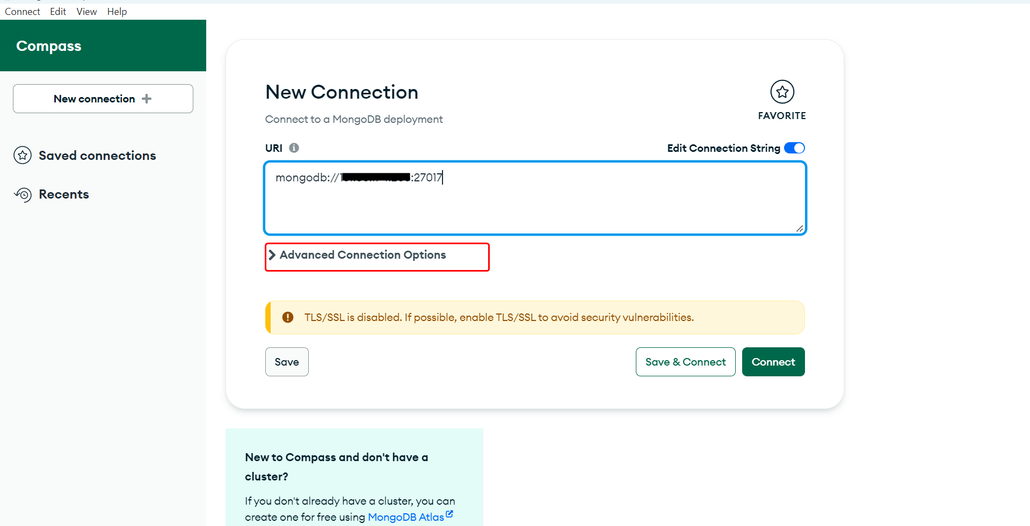
2) Where “Reading” lives in Compass (important)
Once you click your connection (for example i-9shop),
the reading flow is always:
Connection → Database → Collection → Documents tab
That Documents tab is the GUI equivalent of:
db.users.find()
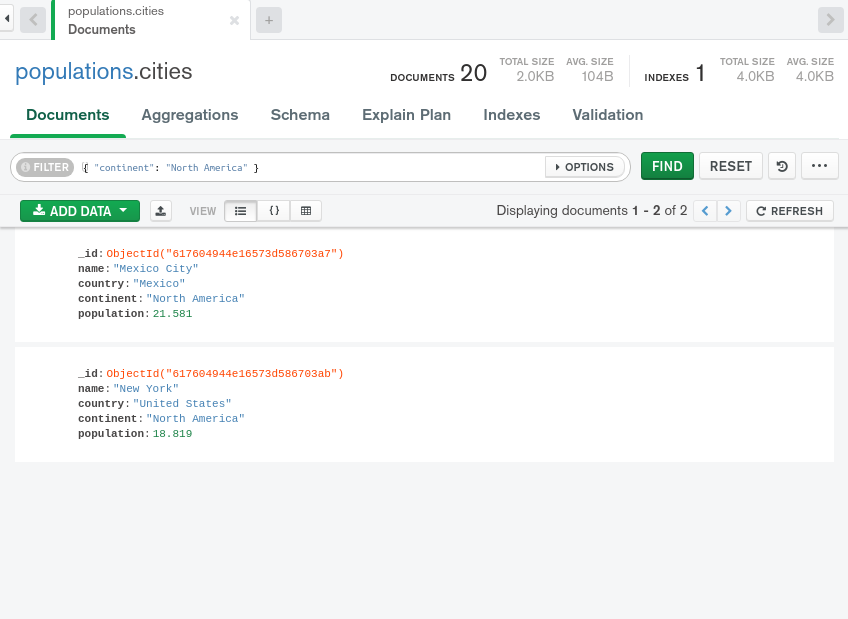
3) Reading ALL data (GUI version of find())
When you open a collection:
• Compass automatically runs find()
• You immediately see documents listed
So this shell command:
db.users.find()
Equals:
–>Just opening the collection in Compass
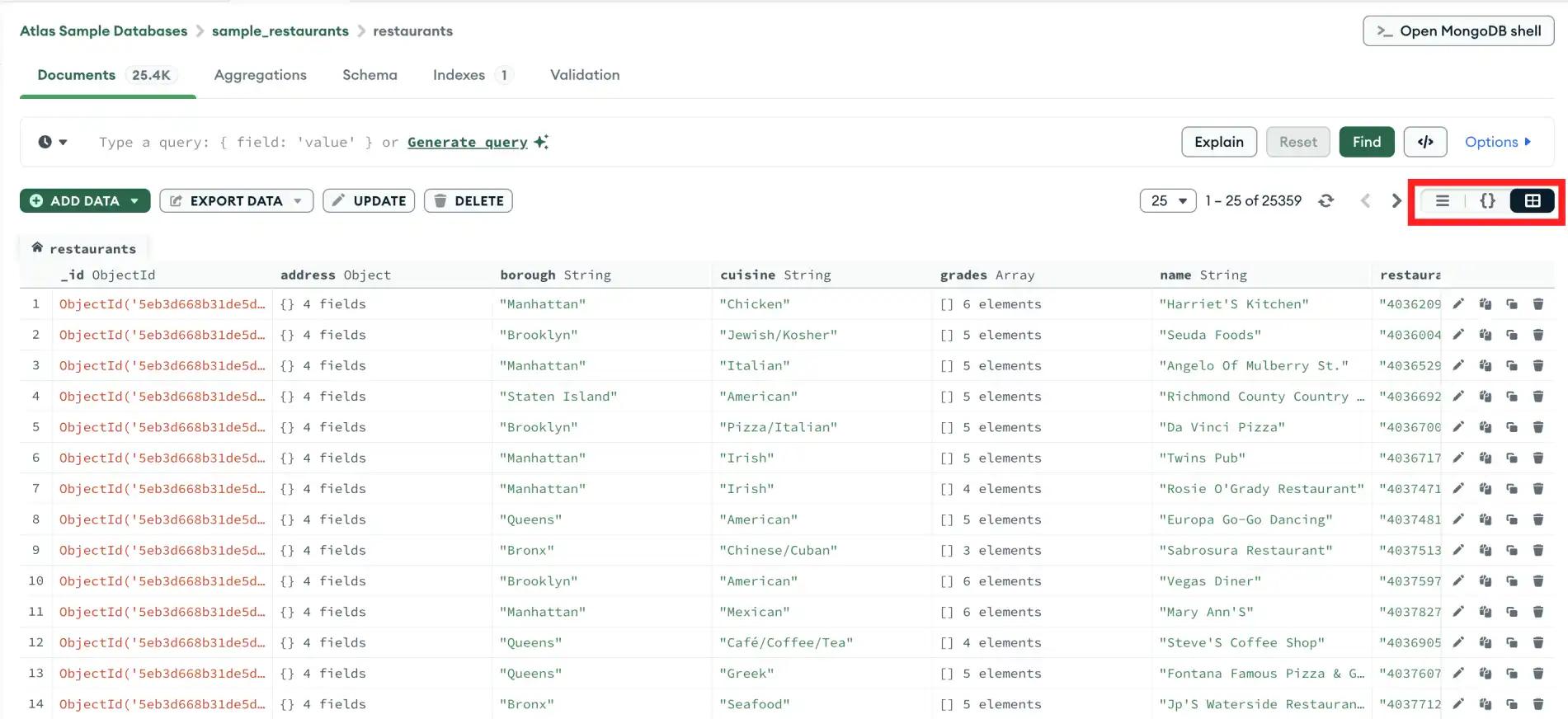
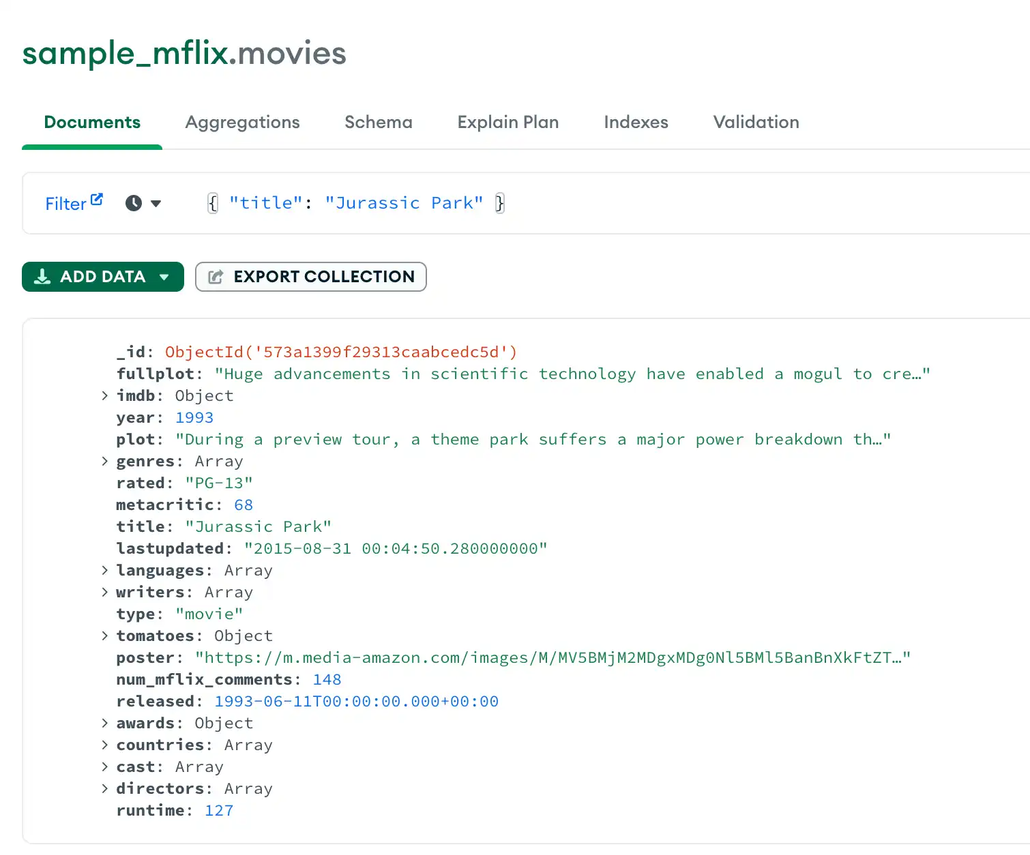
4) Reading with filters (GUI version of conditions)
At the top of the Documents tab you’ll see fields like:
• Filter
• Sort
• Project
• Limit
Example:
Shell:
db.users.find({ age: 40 })
Compass (Filter box):
{ “age”: 40 }
Click Find → results update instantly.
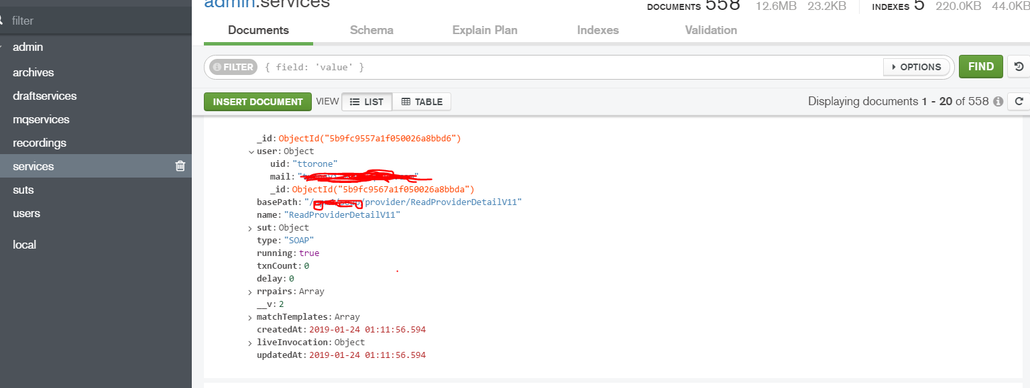
5) Reading ranges (GUI operators)
Shell:
db.users.find({ age: { $gte: 30, $lte: 50 } })
Compass Filter:
{
“age”: { “$gte”: 30, “$lte”: 50 }
}
Same logic, just visual.
6) Sorting & limiting (GUI-friendly)
Shell:
db.users.find().sort({ age: -1 }).limit(5)
Compass:
• Sort box:
{ “age”: -1 }
• Limit field:
5
Compass is literally building the shell query for you behind the scenes.
7) findOne() in Compass (important difference)
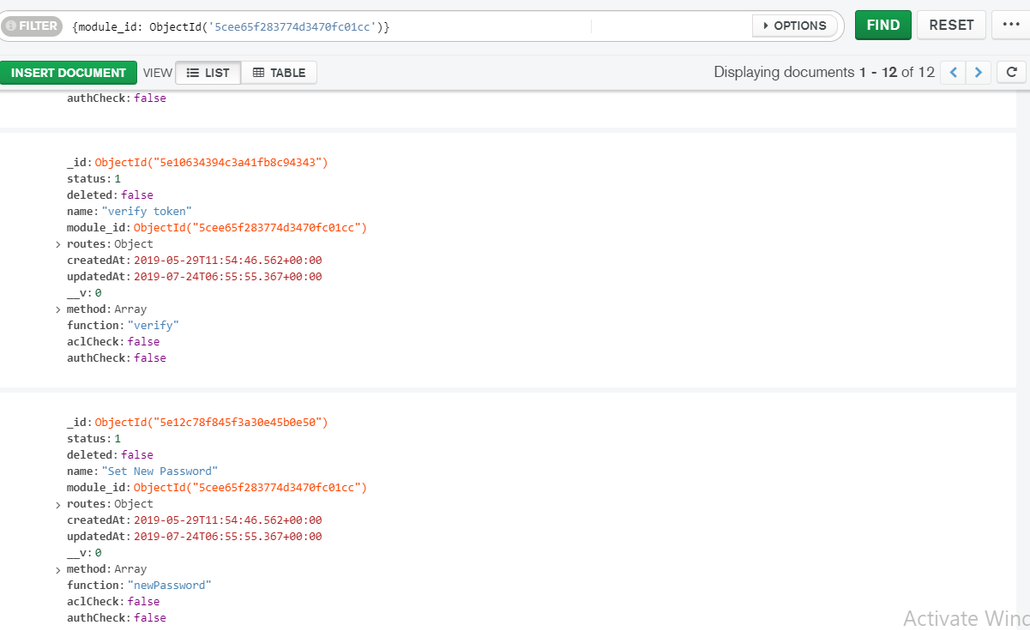
Compass does not have a separate “findOne” button.
Instead:
• You filter narrowly (e.g. by _id or email)
• Compass shows one document
Functionally:
findOne()
=
find() + a very specific filter
8) Why this matters for app developers
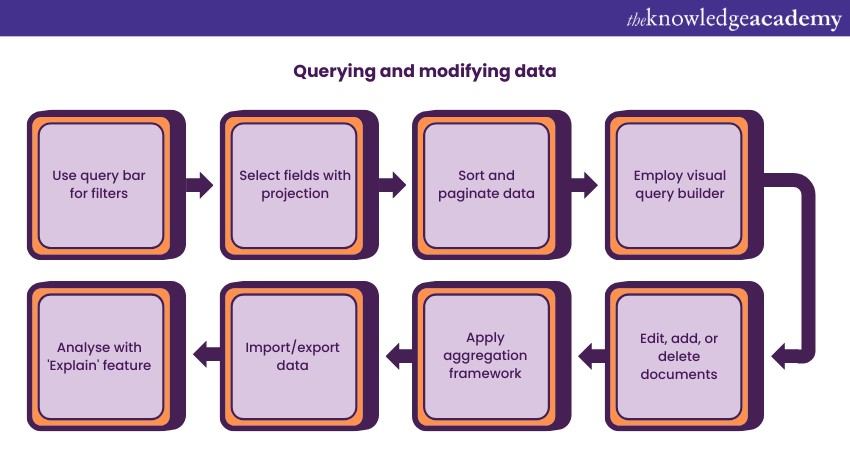
Compass is perfect for:
• Inspecting data
• Debugging queries
• Designing filters visually
• Learning MongoDB logic without memorizing syntax
But in real apps:
• Compass = thinking & debugging
• Shell / Node.js = execution
9) Mental model (keep this)
Shell Compass
find() Open collection
find({}) Filter box
sort() Sort box
limit() Limit field
pretty() Default GUI view
Bottom line
What you’re seeing is the “MongoDB for App
Developers: Shell Commands Guide” — just in GUI
form.
Compass:
• doesn’t replace shell knowledge
• teaches it visually